
Microsoft 365 Went Down. What's Your Backup Plan?
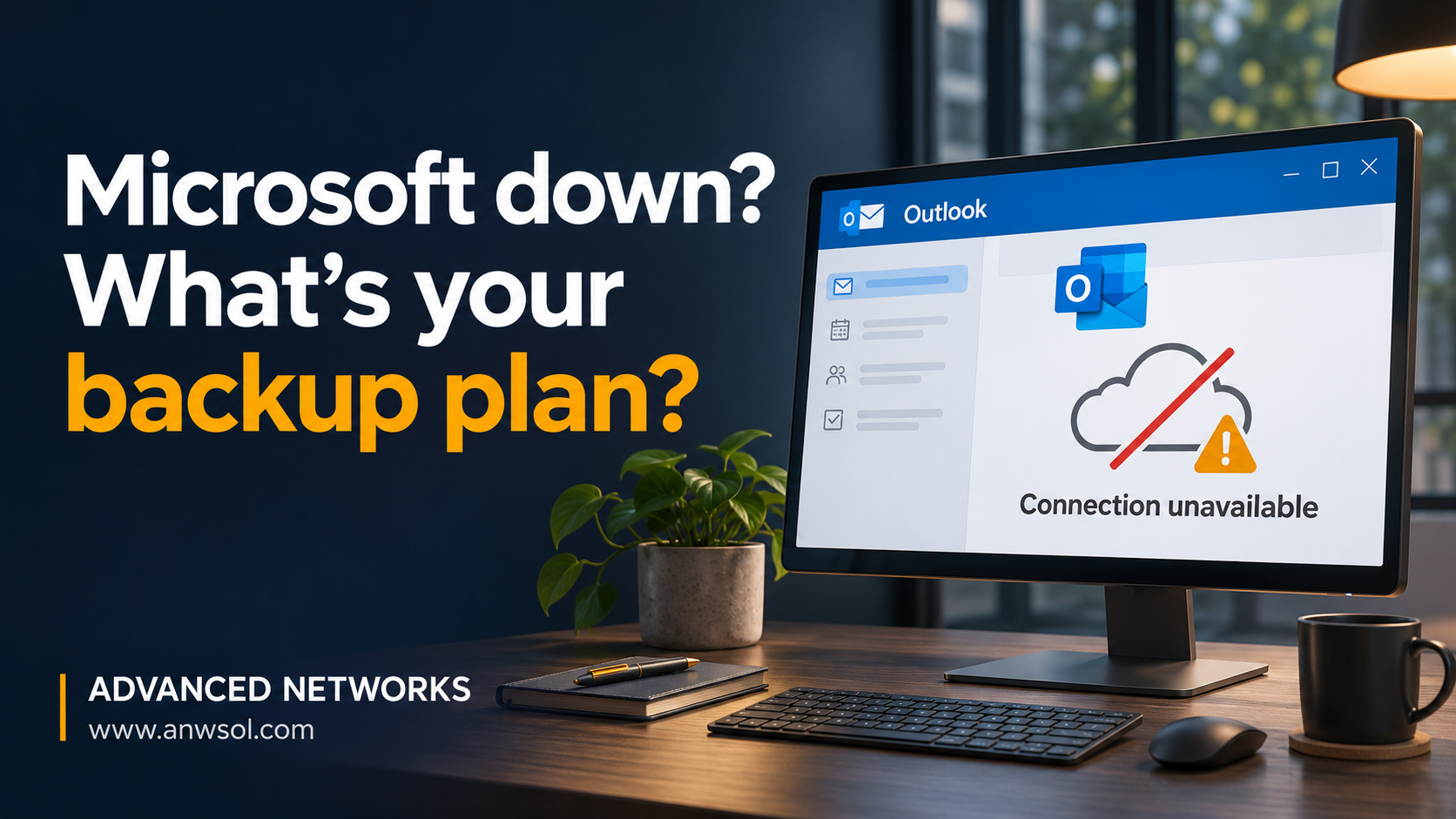
On November 12, Exchange Online and Microsoft Teams went down worldwide for most of the business day. Here's who was responsible, what it means for your business, and the three things to set up before the next outage.
The Day Email Stopped
On November 12, Exchange Online (email) and Microsoft Teams went down for organizations worldwide, for most of the business day.
Inboxes stopped updating. Meetings wouldn't start. Teams chats went quiet. For businesses that run on Microsoft 365, which is most of them, the normal ways of reaching coworkers, clients and vendors were simply gone.
Microsoft has since restored service. But for a lot of business owners, the outage raised a question they had never had to answer:
If Microsoft goes dark, how does my business keep talking?
Who Was Responsible?
This is the first question everyone asks, and the answer matters.
This was a Microsoft-side failure. It wasn't your internet connection, your computers, your firewall or your IT provider. Nothing on your end caused it, and nothing on your end could have fixed it. Everyone had to wait for Microsoft to restore service.
But there's a second half to that answer.
Microsoft is responsible for keeping the platform running. You are responsible for keeping your business running when it isn't. Cloud services are extremely reliable, but no provider promises 100% uptime. Microsoft's service agreements offer service credits after an outage. They don't cover lost sales, missed deadlines or clients who couldn't reach you.
That's the real wake-up call. When your email, calendar, chat, meetings and files all live on one platform, an outage there takes out every communication channel you have, all at once. Nothing was "hacked" and nobody did anything wrong, but a lot of businesses learned on the 12th that they have a single point of failure.
The Lesson: Plan for the Platform Going Dark
You don't need to leave Microsoft 365. It's still an excellent platform, and outages like this one are rare. What you need is a simple fallback plan that's set up before the next one, so nobody is scrambling in the middle of it.
Here are three things every business should set up now.
📧 1. A Backup Email Address
Set up a non-Microsoft address, such as a company Gmail account, that your key staff can use to reach each other, and your IT team, on outage days.
- It doesn't replace your business email. It's a lifeline.
- Share it with your key staff and your IT partner ahead of time, and write it down somewhere that isn't in Outlook.
- Keep confidential and client data off it. Use it to coordinate ("email is down, here's what we're doing"), not to send sensitive files.
🎥 2. A Backup Meeting Option
When Teams is down, don't sit and wait for it to come back.
- Have Zoom or Google Meet ready as an instant fallback.
- Make sure at least a few people already have accounts and know how to start a meeting.
- For important client meetings that day, send the backup link by text so everyone knows where to go.
📞 3. Know Who to Call
When something breaks, the first question is always: "Is it us, or is it Microsoft?"
The answer decides what you do next. If it's a local problem, it can be fixed. If it's Microsoft, the job is to communicate, work around it and wait. Your IT partner should be able to tell you which it is within minutes, not hours.
If nobody can answer that question quickly on an outage day, that's a gap worth closing.
How We Handled It at Advanced Networks
During the outage, email wasn't an option, so we kept our clients updated by text throughout the day. They knew what was happening, that it wasn't their systems, and what to do in the meantime.
We're also building a dedicated backup communications platform so our clients can stay connected to each other and to us, even when Microsoft is completely down. More on that soon.
Your Quick Outage-Readiness Checklist
- ✅ A non-Microsoft backup email address for key staff
- ✅ A backup meeting tool (Zoom or Google Meet) that people already know how to use
- ✅ A phone and text list for staff and key clients, kept outside of Outlook
- ✅ An IT partner who can tell you "us or Microsoft?" in minutes
- ✅ A short written plan everyone has seen before the next outage
Want Help Putting a Backup Plan in Place?
The next outage is a matter of when, not if. A little planning now means the next one is a minor inconvenience instead of a lost business day.
Call us at 805.233.6407, or schedule a consultation, and we'll help you set up a backup communications plan that fits your business.
Advanced Networks
Managed IT + Managed Security. One Team. One Mission.